
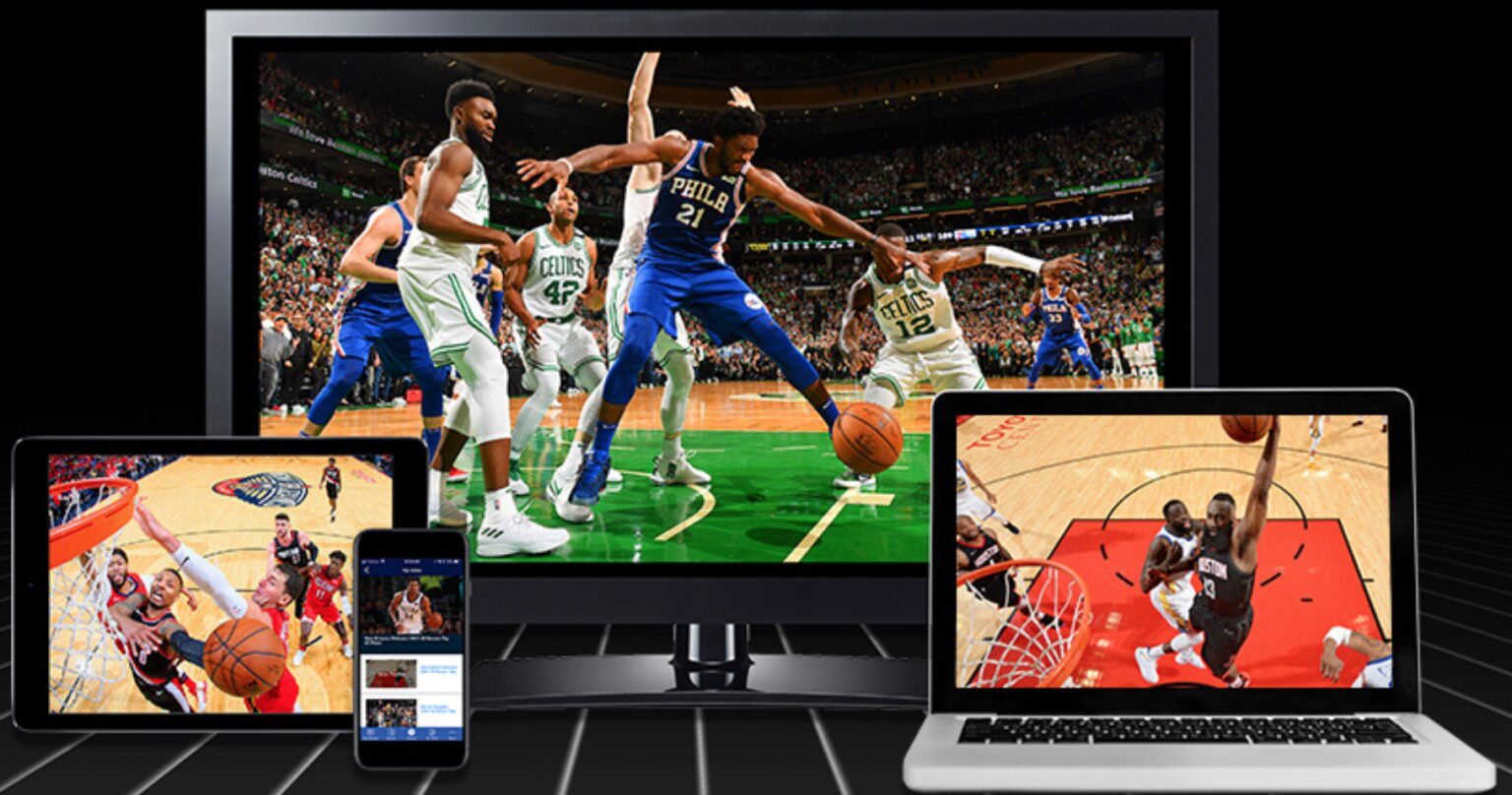
Are you tired of opening your monthly cable bill only to see hidden fees, equipment rentals, and broadcast surcharges that make your heart sink? You aren’t alone. Millions of Americans are breaking up with traditional cable every year in search of a better, more affordable way to watch television.
The good news? Cutting the cord doesn’t mean giving up TV. In fact, with the right strategy, you can get more of the content you actually want to watch for a fraction of the cost.
In this comprehensive guide, we’ll walk you through the exact steps to cut the cable cord, explore the best alternatives for live TV and streaming, and help you build a setup that fits your budget and viewing habits.
Step 1: Audit Your Current TV Habits (Know What You’re Paying For)
Before you cancel anything, take a close look at what you actually watch. Cable companies love to bundle hundreds of channels you never touch just to justify high prices.
Ask yourself these three questions:
- What are my “must-have” shows or networks? (e.g., ESPN, HGTV, local news, HBO)
- Do I watch live TV (sports, news, events), or do I prefer on-demand shows?
- How many TVs in my house need access?
Writing this down will keep you from experiencing “streaming overload” later on.
Step 2: Choose Your Streaming Device
To watch TV without cable, you need a way to stream content onto your TV screen. If you have a Smart TV, you might already have built-in apps like Netflix, Hulu, or YouTube. However, dedicated streaming devices are usually faster, more reliable, and support a wider range of apps.
Here are the top streaming devices on the market:
- Roku (Roku Stick, Roku Ultra): Known for a user-friendly interface and a massive app library. Great for beginners.
- Amazon Fire TV Stick: Affordable, integrates seamlessly with Amazon Prime, and frequently goes on sale.
- Apple TV 4K: Premium, lightning-fast performance, and ideal for Apple ecosystem users (though it comes with a higher price tag).
- Google Chromecast with Google TV: Excellent for Google users, featuring a personalized content discovery dashboard.
Most streaming devices cost a one-time fee of $30 to $150 and plug directly into your TV’s HDMI port.
Step 3: Pick Your Live TV & On-Demand Alternatives
This is where you replace your traditional cable box. Depending on your viewing preferences, you have two main routes: Live TV Streaming Services (cable replacements) or On-Demand Streaming Services.
Option A: Live TV Streaming Services (For Cable Lovers)
If you can’t live without live sports, local news, and cable channels like CNN, ESPN, or Food Network, you’ll want a virtual Multichannel Video Programming Distributor (vMVPD). These stream live TV over your internet connection with no contracts or hidden fees.
- YouTube TV: The gold standard for cord-cutters. Offers 100+ channels, a fantastic unlimited cloud DVR, and local sports/news for around $73/month.
- Hulu + Live TV: Includes the entire Hulu on-demand library, Disney+, ESPN+, and 85+ live channels for around $77/month.
- Sling TV: A budget-friendly option split into “Sling Orange” and “Sling Blue” packages (about $40/month each or $55 combined). Perfect if you only want a handful of cable channels.
- FuboTV: The ultimate choice for sports fans, offering dozens of regional sports networks and international sports coverage.
Option B: On-Demand Streaming Services (For Netflix & Movie Buffs)
If you rarely watch live TV and prefer binge-watching series and movies on your own schedule, you can mix and match standalone apps:
- Netflix: The king of original series and movies.
- Max (formerly HBO Max): Premium movies, HBO hits, and prestige television.
- Disney+ / Hulu / ESPN+ Bundle: Family-friendly content, prestige television, and live sports.
- Peacock & Paramount+: Great for fans of NBC and CBS shows, plus live sports like NFL games and Premier League soccer.
Pro Tip: Don’t subscribe to all of them at once! Rotate your subscriptions month-to-month to save money.
Step 4: Don’t Forget Free Over-the-Air (OTA) TV
Did you know you can still get crystal-clear, high-definition television for completely free?
By purchasing a simple HD digital TV antenna (ranging from $20 to $50 on Amazon), you can pick up local broadcast networks like ABC, CBS, NBC, Fox, PBS, and The CW in 1080p HD—often with a better picture quality than compressed cable signals.
Pairing an antenna with your streaming setup gives you local news, weather, and major sporting events (like the Super Bowl) without paying a dime.
Step 5: Check Your Internet Speed
Because everything you watch will now be delivered via the internet, your broadband connection is the backbone of your cord-cutting setup.
- For 1-2 streamers: A download speed of 50 to 100 Mbps is usually sufficient.
- For 3+ simultaneous streams or 4K viewing: You’ll want speeds of 200 Mbps or higher.
Warning: If your internet provider has a data cap, keep an eye on your usage during the first month of streaming to avoid overage fees.
Summary: Your Cable vs. Cord-Cutting Cost Breakdown
Let’s look at the numbers.
- Average traditional cable bill: ~$100–$150+ per month (plus equipment fees and taxes).
- Typical cord-cutting setup:
- High-speed internet: $60–$80/month
- YouTube TV (Live TV): $73/month
- Netflix or Prime Video: $10–$15/month
- Total: ~$145–$160/month—with blazing-fast internet included, whereas cable internet was a separate charge.
If you ditch live TV and stick strictly to on-demand apps and an antenna, you can easily drop your TV entertainment costs to under $30 a month.
Final Thoughts: Ready to Make the Switch?
Cutting the cord is empowering. You take back control of your monthly budget, eliminate frustrating customer service calls, and only pay for the entertainment you actually enjoy.
Start small: grab a streaming device, try a free trial of a live TV service or an antenna, and cancel that cable box today. You won’t look back!
Have you made the switch to streaming yet? What is your favorite cord-cutting setup? Let us know in the comments below!

Leave a Reply